If you connected your Facebook, LinkedIn, or other social networking site to your Microsoft Account and now want to edit the settings or disconnect the account, go to profile.live.com
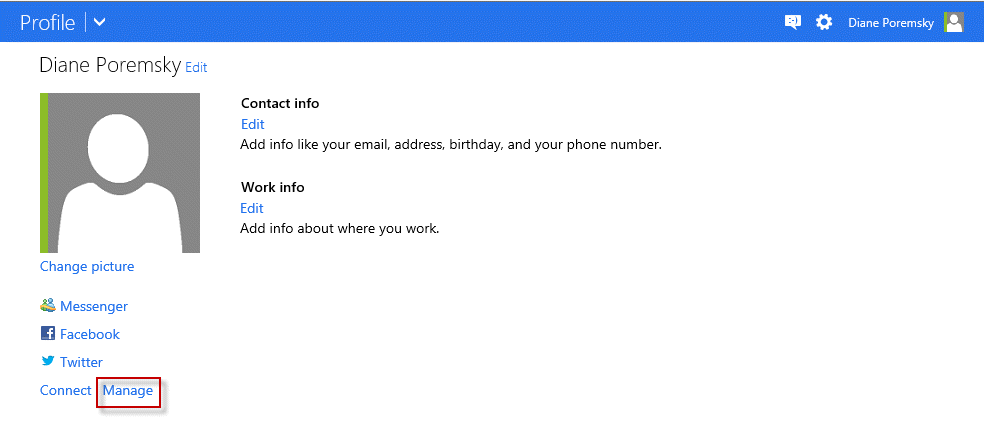
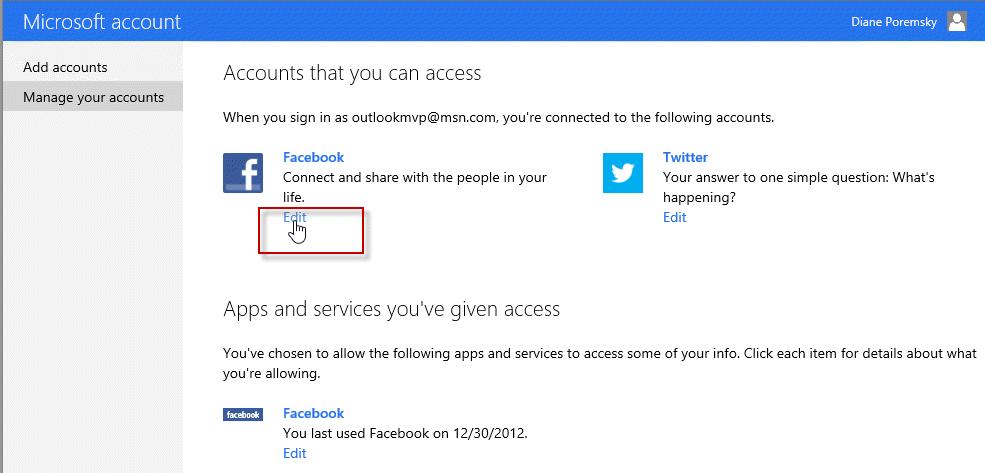
Click Manage, then Edit
Finally, click the Remove this connection completely link at the bottom of the page.
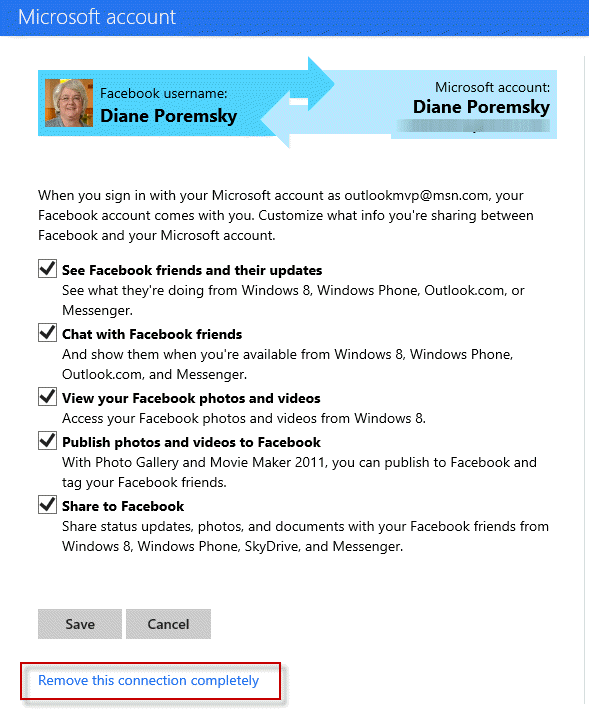
Confirm the removal of the social network.
Hotmail Interface
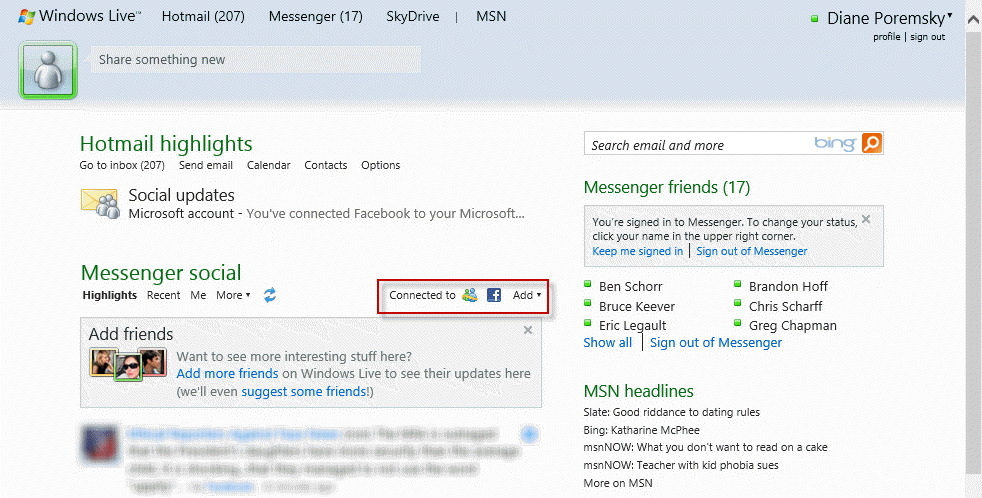
If you use the Hotmail interface, you can disconnect social networks from the home page. There will be a Facebook button on the page – click it to open the Manage Account page. The link to Remove this connection completely is on the page.
Video Tutorial
https://youtu.be/HNCG7xDo0uA
The connectivity is dead but Facebook, Linkedin and Skype contacts lists are remained in my http://people.live.com page. http://profile.live.com is redirecting to account.live.com anymore and no possibility to change connected external social accounts there.
You can hide the folders using a macro - https://www.slipstick.com/outlook/hide-extra-contact-folders/
Hello I have a UK Microsoft account and am trying to delete connection / link to Facebook and the Facebook Contacts folder in my Outlook account as it is causing problems. When I go to my Microsoft Account I do not s-get the same screen as that shown above with a Manage button for social network sites . Can anyone help ?
Microsoft disabled network support - the only thing you should have hanging around now is the contact folders - they can be hidden using a macro in outlook installed on the desktop. The changes will sync to the server.
https://www.slipstick.com/outlook/hide-extra-contact-folders/
very informative TNK u So much
doesn't work anymore
Is this on the old server? It shouldn't be an option on the new server.
I have not connected my account to any social network. WHY o WHY do I have facebook, skype and linkedin contacts under people? M$ has gone mad. How do I get rid of these lists which are reproducing themselves in my Outlook 2016 Contacts?
At som e point you had to have added LinkedIn - Microsoft can't add LinkedIn without knowing your username and password.